81CC Game Download | New Earning App in Pakistan 2026
81CC Game is a real money gaming app for Android users in Pakistan. You can download it from our official 81CC website, create an account, play the games in the lobby, deposit PKR through JazzCash or Easypaisa, and request withdrawals to JazzCash or Easypaisa.
|
APP |
81CC Game |
|
Size |
7 MB |
|
Version |
1.0.1 |
|
Last Update |
Today |
|
APP |
81CC Game |
|
Size |
7 MB |
|
Version |
1.0.1 |
|
Last Update |
Today |
81CC Game is a real money gaming app for Android users in Pakistan. You can download it from our official 81CC website, create an account, play the games in the lobby, deposit PKR through JazzCash or Easypaisa, and request withdrawals to JazzCash or Easypaisa.
Download and install 81CC
An APK is the installation file used on Android. Get the 81CC file from the official site so you know which download you are opening. A file shared through a chat group can carry the same name while being a different APK.
If your phone warns that the file is harmful, stop there. Do not turn off your phone’s security checks just to force an installation. Once the app is installed, you can remove the extra installation permission from your browser or file manager.
The APK is for Android. It does not install on an iPhone, iPad or Windows computer. For an iPhone, open the official site in Safari and use any Apple access option displayed there. On a computer, use the site’s web access option in a current browser instead of trying to run the APK.
Set up 81CC Account
Registration gives you an account for your games, wallet and transaction records. Enter details you can access later: recovery becomes difficult if the phone number on your account is no longer yours.
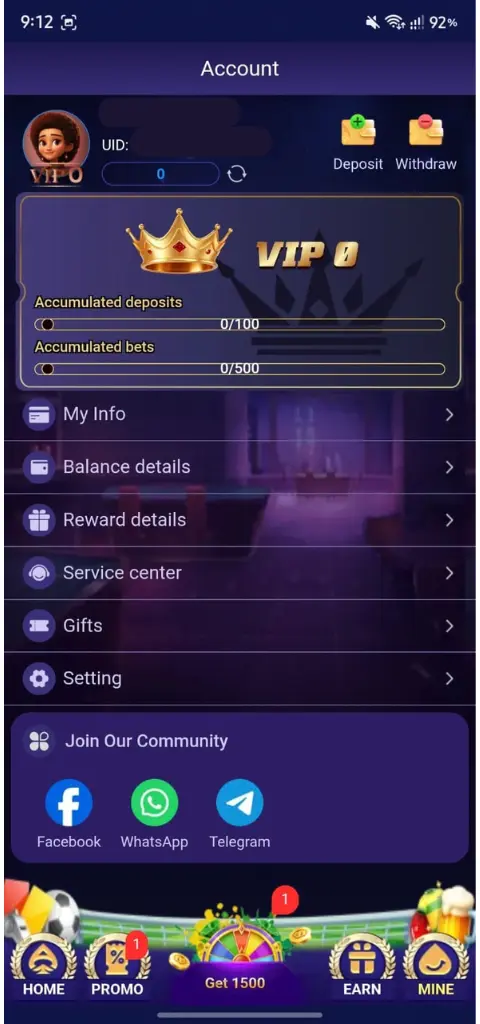
To return to your account, select Login and enter the registered phone number, username or other identifier the form asks for, followed by your password. If login fails, check the number and password for typing mistakes before using Forgot Password or the recovery option offered on the screen.
Do not share a verification code with someone claiming they can fix your login. Before depositing, open four places in your account: the game lobby, Wallet, Rewards, and transaction history.
Find the rules for a game you want to try, then look at the wallet’s deposit and withdrawal screens. This takes less time than trying to understand a payment rule after you have already sent money.
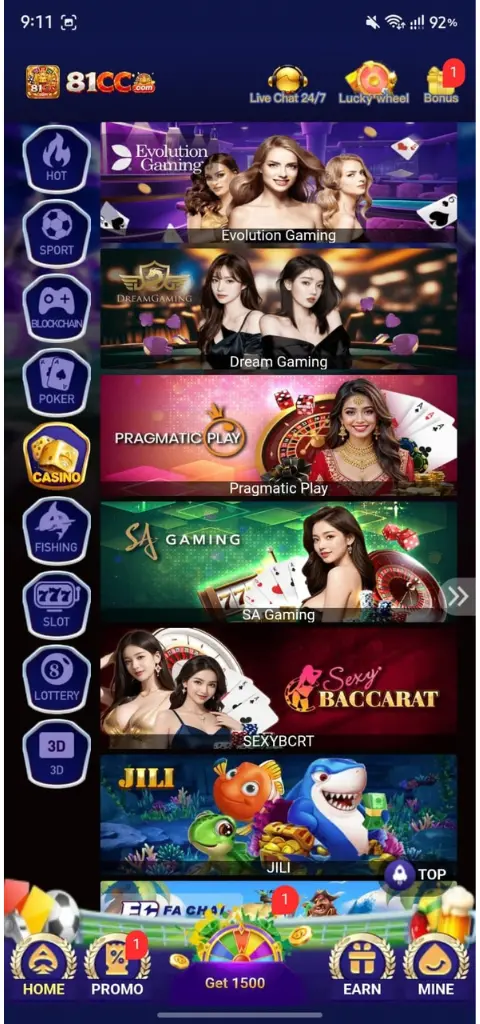
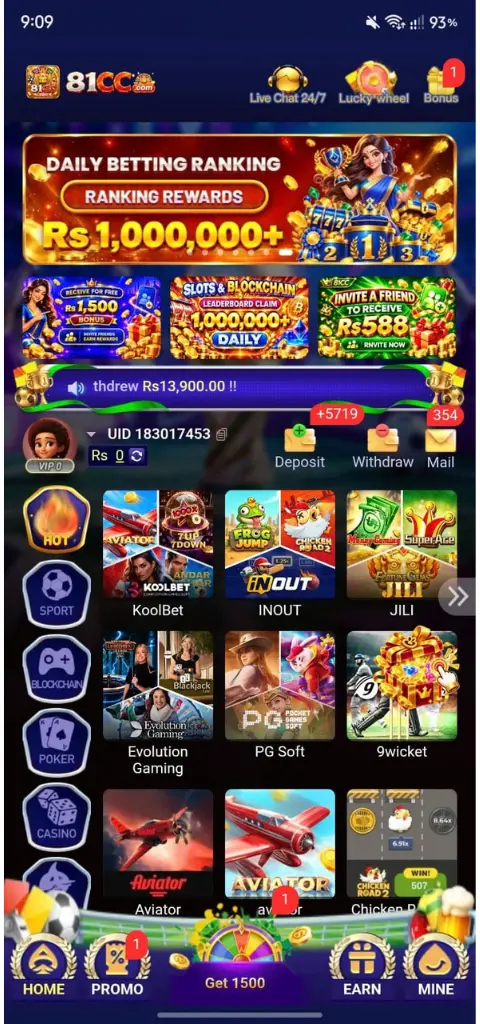
Choose Your Favourite 81CC Game
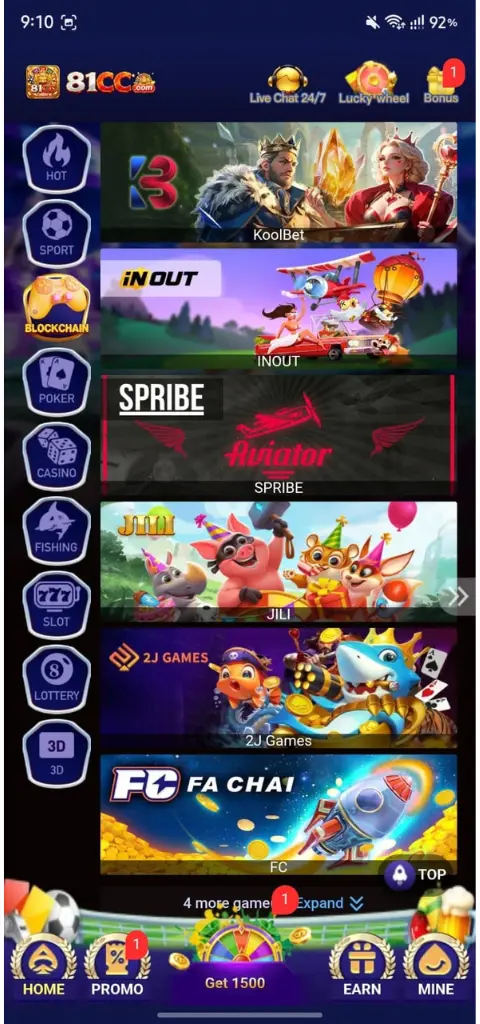
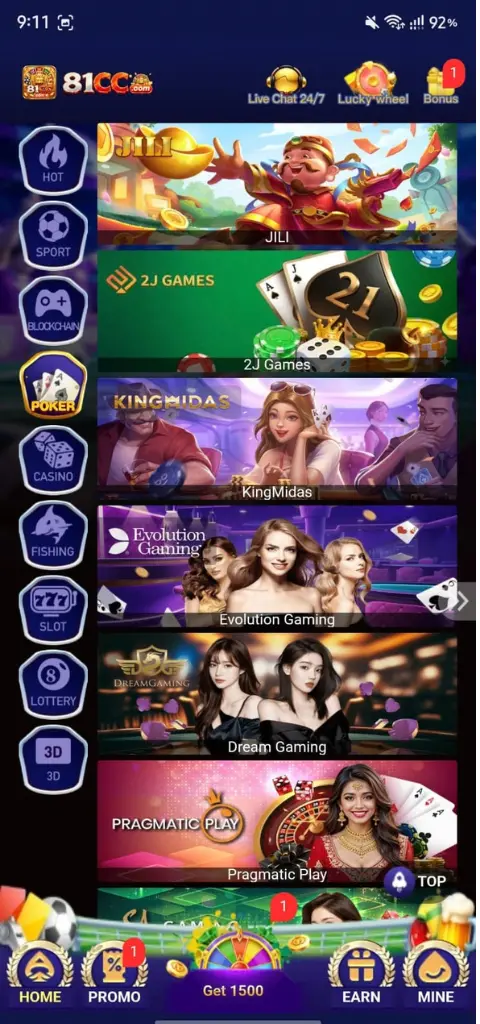
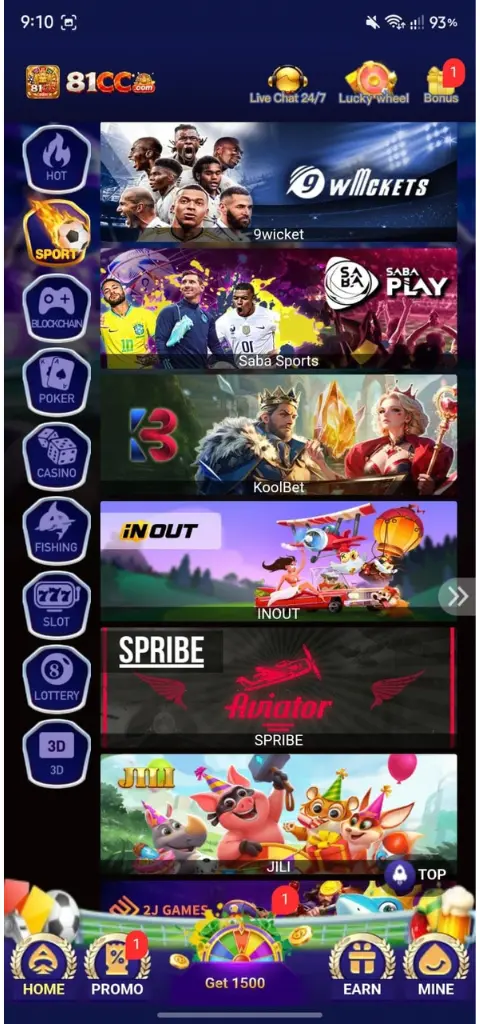
81CC puts different game types in one lobby. The sections help you find a style of play, but each game has its own stake, controls and way of deciding a result. Read that game’s instructions before pressing a paid-play button.
| Lobby section | What you are choosing | What to check first |
|---|---|---|
| Sport | Match-based choices | Which event and result your selection covers. |
| Poker | Card-based rounds | The card rules and stake for that table. |
| Casino | Table and casino-style games | When a round ends and how a result is settled. |
| Fishing | Games with moving underwater targets | What each action costs and how the round scores. |
| Slot | Reel games with symbols and bonus features | The stake per spin and the game’s pay rules. |
| Lottery | Number or draw-style choices | Which draw applies and when its result is shown. |
| Blockchain | Digital-themed game choices | The instructions for the individual title. |
| Hot | Games highlighted in the lobby | The game type and rules behind the highlighted tile. |
For a quick look at the named titles, Aviator is a crash-style game with a rising multiplier. Chicken Road 2 uses road-crossing choices, while Tower Rush moves through climbing stages.
Chicken Dash and Frog Jump have short, character-led rounds, and Jackpot Fishing uses underwater targets. Slot names include Super Ace, Money Coming, Fortune Ganesha 500 and Wild Bounty Showdown. Dragon & Tiger is another named game choice.
These names help you find a title; they do not explain its odds or promise a win. Before a paid round, look for three things on its screen: the amount at stake, the action that starts the round, and how a win or loss changes your balance.
Check again when you switch games. Knowing how a slot works does not tell you the rules for Aviator or a card table.
If a game has a demo option, use it to learn the buttons without staking money. Demo credits are for practice. A result in demo play does not predict what will happen in a paid round.
Before Paid Round on 81CC
Open the game’s own instructions and check what counts as a completed round. Then look at the stake shown beside the play control. If you change the stake, read the new amount before confirming: the price of one round is the amount at risk for that action.
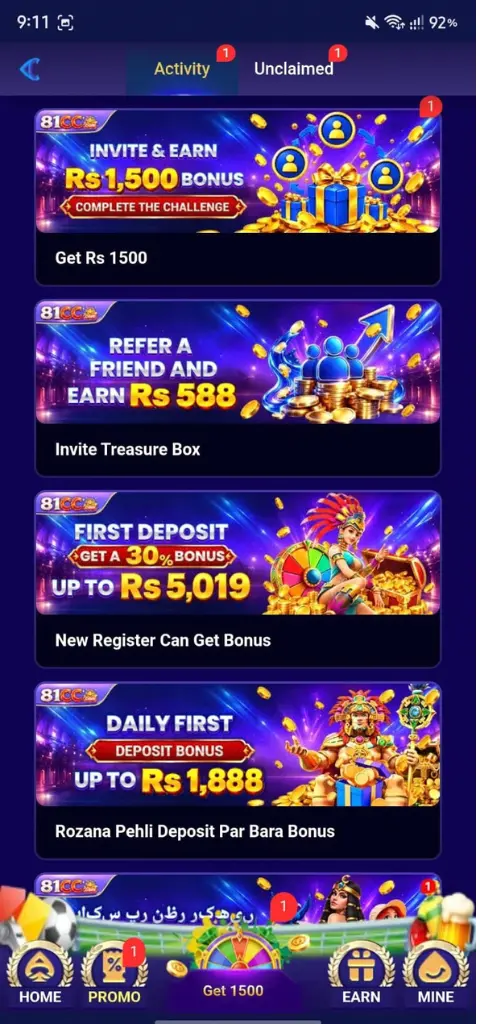
Look at the rule for a winning result as well as the rule for a losing one. On a game such as Aviator, the timing of an action matters; on a slot, the reel result matters. One set of controls does not explain the other.
After a round, compare the result shown on the game screen with the change in your balance. If you cannot tell why the amount changed, stop and look for that round in the account’s game or transaction record before playing again. This is especially useful when moving between short rounds, where several stakes can leave your wallet in quick succession.
81CC Game Deposit
The deposit process begins inside your 81CC account. Starting there matters because the app gives you the payment instructions and a place to record the transaction. Sending PKR to a number from a message or social media post does not create a deposit request in your wallet.
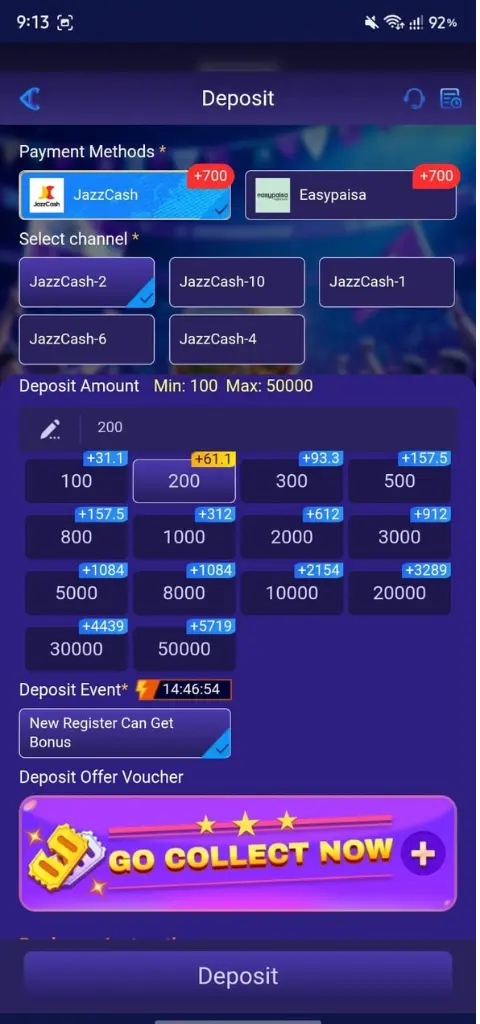
Do not send the same deposit twice because the balance has not updated yet. First compare your JazzCash or Easypaisa receipt with the deposit request: the amount, receiving details, time and transaction reference should match. If the transfer is complete in your mobile wallet but still missing from 81CC, give those details to the support option inside your account. Keep wallet PINs and verification codes out of the message.
81CC Withdraw
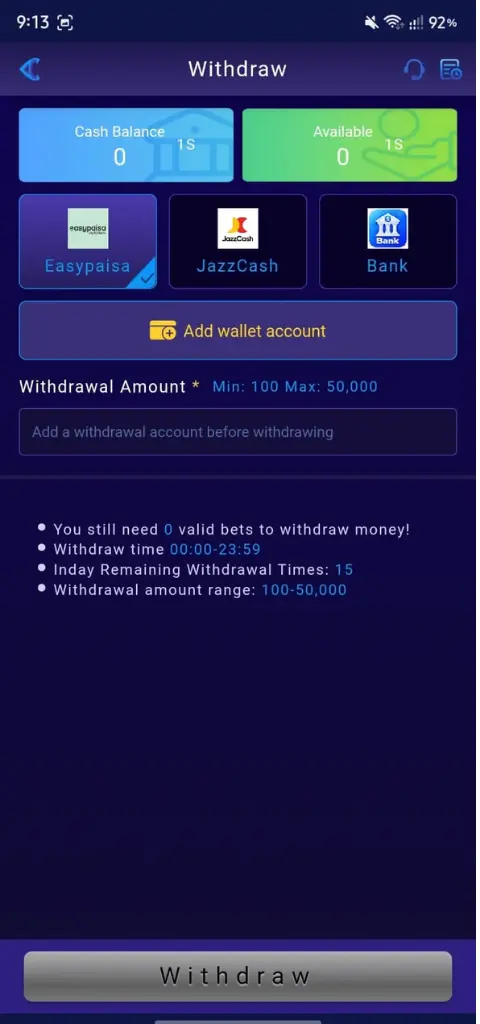
To receive PKR, request a withdrawal from the 81CC wallet and enter the mobile wallet that will receive it. Check withdrawable balance first. The full figure shown elsewhere in your account can contain money subject to an offer’s rules.
81CC Rewards
Open Rewards to see the offers available to your account. The names tell you where to look; the rule attached to each offer tells you what you must do.
| Reward area | What to look for before joining |
|---|---|
| Welcome offer | Who qualifies, whether a deposit is needed, and whether the credit can be withdrawn. |
| Daily login reward | The days and actions required to claim it. |
| Deposit promotion | The qualifying payment, reward amount and any wagering rule. |
| Referral or club reward | Whether the invited person must register, deposit or complete another action before approval. |
| VIP benefits | The deposit or activity needed for the level and what each listed reward means. |
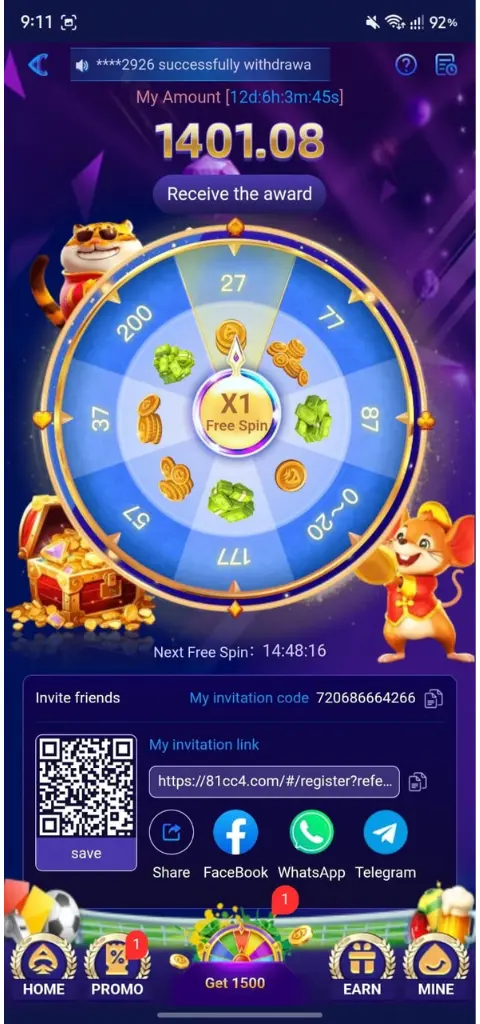
If you have a referral code, enter it in the field shown during registration. If you plan to invite someone yourself, use the link or code assigned to your account, read the qualification rules, and tell the person that you can receive a reward.
A signup, an active referral and an approved commission can be three separate stages. Do not count a pending amount as PKR you have already earned.
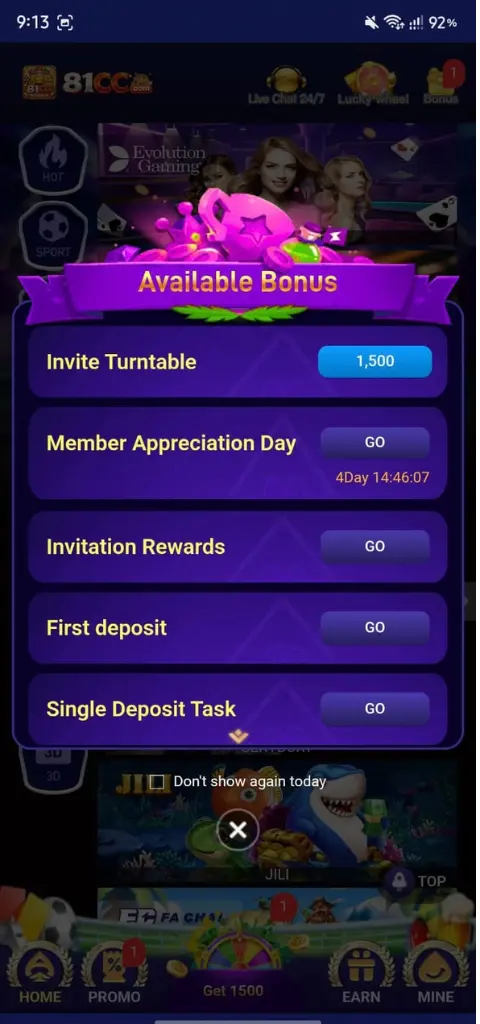
The club and VIP areas can show percentages, levels and several types of rewards. Check the label beside a figure before treating it as a deposit bonus or cash. A commission percentage, a rebate rate and a VIP level-up reward describe different things. Putting in more money solely to reach a reward level also increases the money you have at risk.
If you prefer Urdu guidance, use the language option available in your account and read the payment and offer rules in the language you understand best. A translated menu button alone is not enough: you need to understand what qualifies for a reward, when it expires, and what is required before withdrawal. If an offer’s rule is unclear, ask support about that specific rule before depositing for the offer.
81CC Problems and Fixes
| What happened | Best first checks |
|---|---|
| The APK did not finish downloading | Check your connection and free space. Remove an incomplete file, then download the 7 MB APK again from the official site. |
| Android will not install the APK | Check that the file finished downloading and that your browser or file manager has the needed installation permission. Stop if the phone reports a harmful file. |
| The app opens but games load slowly | Check your connection, close unused apps and reopen the game. Keep the app and browser updated through the intended download route. |
| You cannot log in | Recheck the registered number or username, remove accidental spaces and use the password recovery option. |
| JazzCash or Easypaisa shows a completed deposit, but 81CC does not | Compare the receipt with the deposit request and check whether you entered the transaction reference. Give support the amount, time and reference. |
| Your withdrawal is processing | Check the stated processing window, the receiving number, your account history and any requested verification. Keep the request reference. |
| The balance looks wrong | Compare the individual deposits, game results, bonuses and withdrawals in transaction history. Check your mobile wallet record separately. |
Contact the support route shown in your account. Give the exact issue, amount, approximate time and transaction or request ID. A screenshot of the relevant status can help, but cover private codes, PINs and unrelated account details. Do not repeat a transfer while its first status is still unclear.